
SimplePrivacyGuide.com • VPN basics
Improve your online privacy in minutes.
This page explains what a VPN does, when it helps, and what to look for — in plain English. If you decide to buy, we may earn a commission (at no extra cost to you).
- Helps protect you on public Wi-Fi
- Reduces IP-based tracking (not total anonymity)
- Useful for travel, remote work, and everyday browsing
Quick take
A VPN encrypts traffic between your device and a VPN server. It can improve privacy, but it’s not a “magic invisibility cloak.”
What to look for
- Clear privacy policy & security features
- Reliable apps for your devices
- Support, refunds, and transparent pricing
Featured cide
Public Wi‑Fi Safety Checklist
A quick, practical checklist you can use anywhere — cafés, airports, hotels — to reduce common risks.
Key takeaways
- Turn off auto-join + sharing on public networks
- Prefer HTTPS and avoid sensitive logins on unknown Wi‑Fi
- Use a VPN for an extra layer of protection
What a VPN does (and what it doesn’t)
What it does
- Encrypts your internet traffic on the way to the VPN server
- Masks your IP address from the sites you visit
- Helps reduce risks on public networks (cafés, airports, hotels)
What it doesn’t do
- It won’t automatically stop phishing or scams (you still need caution)
- It doesn’t make you “untraceable”
- It’s not an antivirus replacement
Tip: A VPN is best paired with strong passwords, 2FA, and up-to-date software.
Common reasons people use a VPN
Public Wi-Fi safety
Adds a layer of protection when networks are untrusted.
Everyday privacy
Helps reduce IP-based profiling and tracking signals.
Remote work
Useful when working from hotels, cafés, or shared spaces.
NordVPN overview (from their published feature list)
NordVPN lists features such as Threat Protection, Kill Switch, and more. Always verify current details on the official site.
- Kill Switch (helps prevent traffic leaks if the VPN drops)
- Threat Protection (privacy/security tools depending on platform)
- Multi-device apps (Windows/macOS/iOS/Android, etc.)
We avoid “unlock streaming / bypass restrictions” marketing here to stay compliant and transparent.
Articles & cides
Short, practical reads to improve privacy and everyday security.
Basics
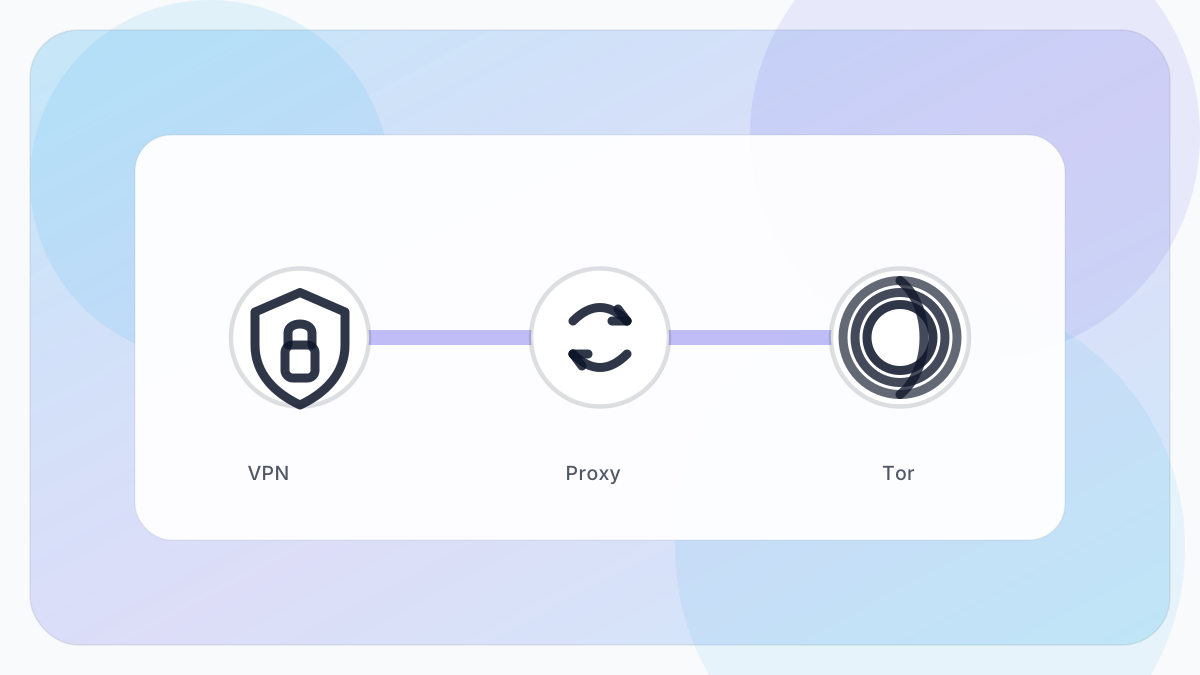
VPN vs Proxy vs Tor: What’s the Difference?
A plain‑English comparison — and when each option makes sense.
Everyday safety
Public Wi‑Fi Safety Checklist
Quick steps to reduce risk on cafés, airports, and hotel networks.
Browsers
Browser Privacy Settings That Actually Help
Simple changes in Chrome, Edge, Safari, and Firefox to reduce tracking.
Accounts
Passwords & 2FA: The Fastest Security Upgrade
How to use a password manager and enable two‑factor authentication.
Scams
How to Spot Fake Websites and Phishing Pages
Red flags, URL checks, and what to do if you clicked.
VPN privacy
What “No‑Logs” Really Means
A practical way to read privacy claims without marketing fluff.
FAQ
Is a VPN legal?
In most countries, yes. Always follow local laws and provider terms.
Will a VPN make me anonymous?
No. It improves privacy, but accounts, trackers, and browsing habits still matter.